Authelia is comprised of the following two components:
- The Athelia Registration Portal
- The Authelia Authentication Portal
The Authelia Registration Portal
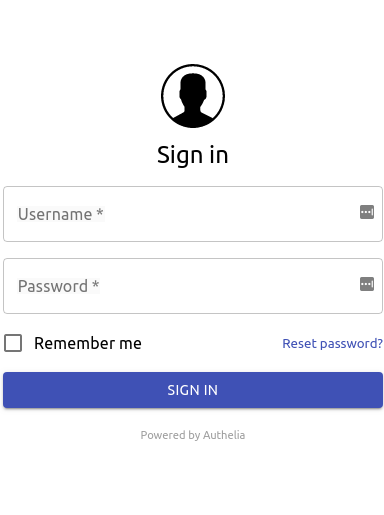
The Authelia Registration Portal is a locally hosted web application where clients will initially log in and activate their desired two factor authentication method(s). Clients will initially login with a username/password initially provided by the site administrator. Through the registration portal, users have the option of adding Google Authenticator, Duo Push and/or YubiKey as two factor authentication schemes. Creation of this user database is discussed below.
The Authelia Registration Portal appears similar to:

The Authelia Authentication Portal
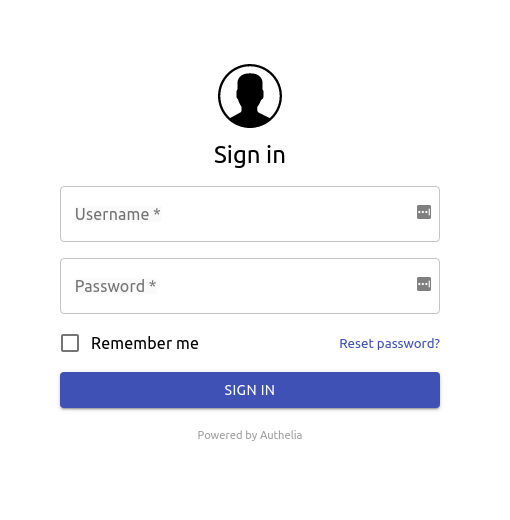
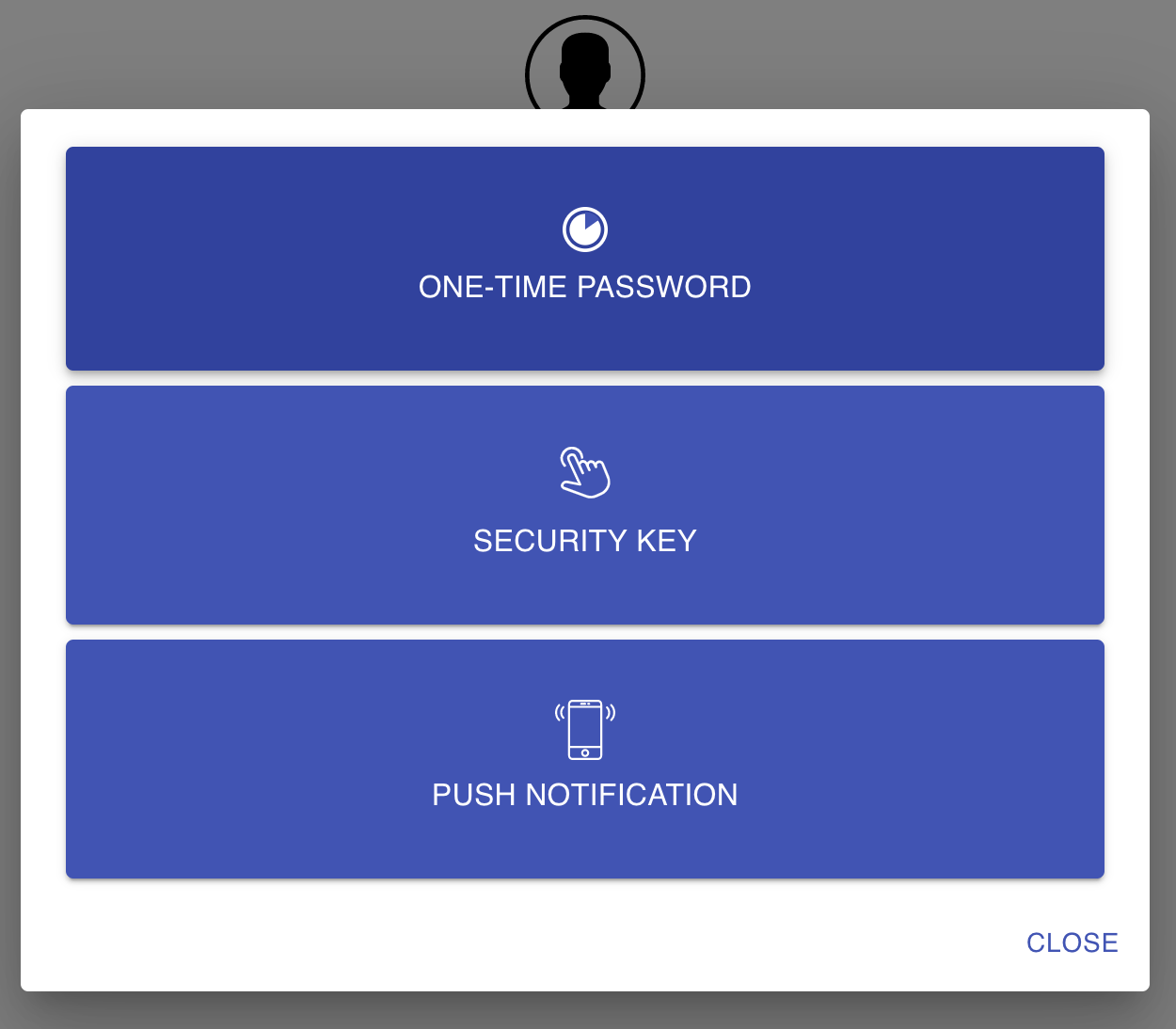
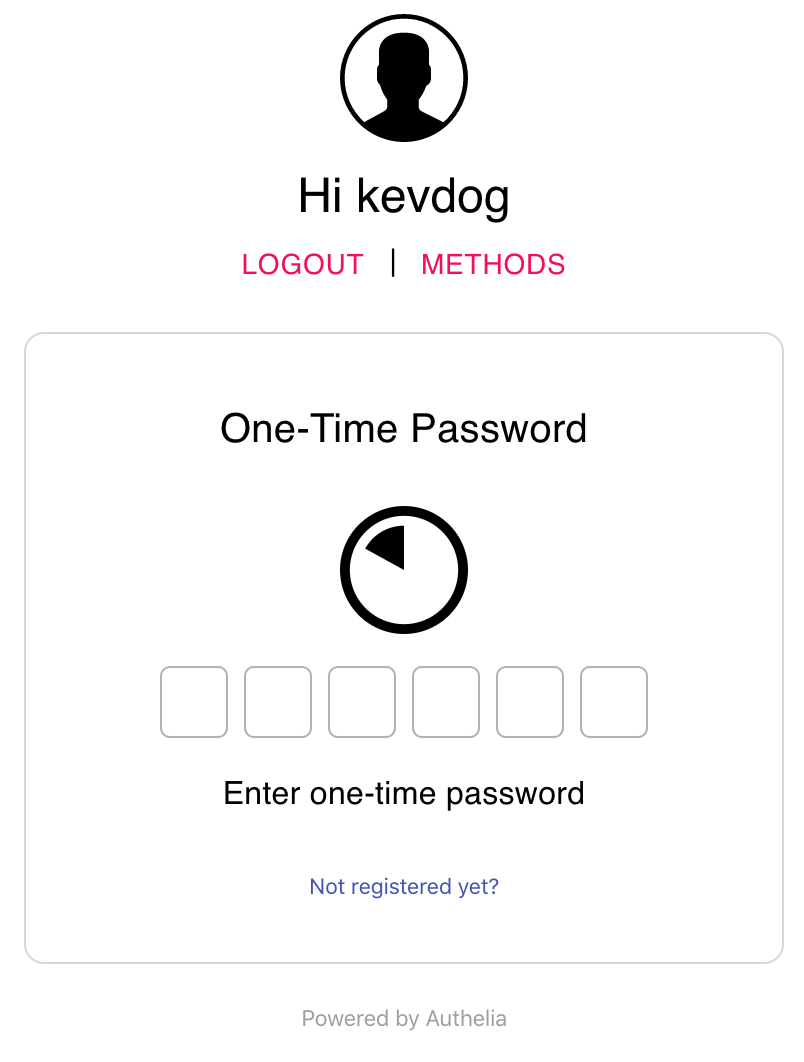
In visiting domains/websites/applications that utilize Authelia for frontend authentication, clients are redirected to the Authelia Authentication portal to complete the authentication process. Clients are greeted with the familiar login screen as used with the registration portal. After logging in clients are directed to enter their second authentication credential if the domain/website/application was configured to require two-factor authentication. Domains/websites/applications can be configured through authelia to use single-factor authentication (Username/Password) with optional coupling of a two-factor authentication schemes (Google Authenticator, Duo Push and/or YubiKey). It is possible to setup multiple schemes in which the user may use one method as the second-factor authentication paramater.
The Authelia Authentication Portal appears similar to: